Before you start
- Photoshop 2022 (version 23.3) or newer. To see your version, open Photoshop and go to Help > About Photoshop (on a Mac: Photoshop > About Photoshop).
- The .ccx file. Download it from your Gumroad library. The link is in your Gumroad receipt email.
- Your license key. We send it by email after you buy. The subject is "Your PixelRec Ultra license key". The key starts with ULTRA-. It can take a few minutes, so check your spam folder too.
Step 1: Remove PixelRec Pro first
Only if you have it. Open the Creative Cloud app, go to Stock & Marketplace (or Plugins), then Manage plugins. Find PixelRec Pro and click Uninstall. Your recordings are safe. Then close Photoshop.
Step 2: Install PixelRec Ultra
Double-click the PixelRec Ultra .ccx file. The Creative Cloud app opens and asks to install. Click Install.
Step 3: Activate
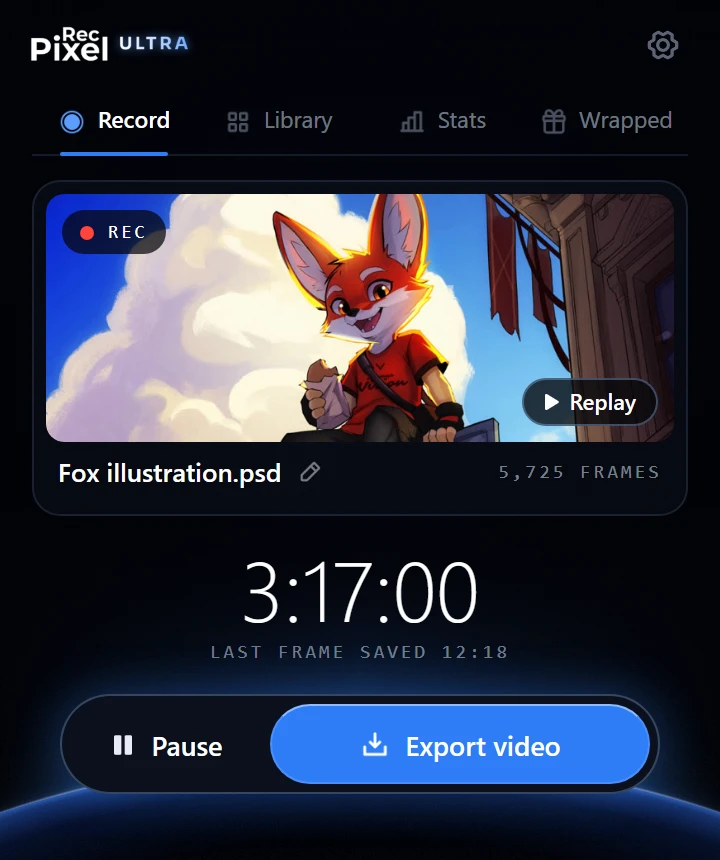
Open Photoshop and go to Plugins > PixelRec Ultra > PixelRec Ultra. Enter your checkout email and your license key, then click Activate. On the welcome screen, click the blue button. That is the only setup.
You can also open the small Mini bar from Plugins > PixelRec Ultra > PixelRec Ultra Mini.
Moving to a new computer
One key works on one computer at a time. On the old computer, open Settings (the gear), click License (Active · Log out), then click it again to say yes to "Log out?". Then activate on the new computer. If the old computer is gone, use Reset your activation.
Questions
Where do I find the .ccx file?
Open your Gumroad library (the link is in your Gumroad receipt email) and download the PixelRec Ultra .ccx file. The same file works on Windows and Mac.
I did not get my license key.
The key email can take a few minutes. Look in your spam folder for "Your PixelRec Ultra license key". If it is not there, write to contact@pixelrec.com with your checkout email.
Can I use PixelRec Ultra on two computers?
One key works on one computer at a time. To move it, open Settings on the old computer, click License (Active · Log out), then click it again to say yes to "Log out?". Then activate on the new computer. If the old computer is gone, use Reset your activation.
Will I lose my PixelRec Pro recordings?
No. Removing PixelRec Pro does not delete your recordings. They stay on your computer, and Ultra finds them again.
PixelRec Ultra is not in the Plugins menu.
Check that you have Photoshop 2022 (version 23.3) or newer, then close and open Photoshop again. If it is still missing, write to contact@pixelrec.com with your Photoshop version and your system (Windows or Mac).
Still stuck? In PixelRec Ultra, open Settings and click "Copy info for support" at the bottom. Paste it into an email to contact@pixelrec.com and tell us what happened. A screenshot helps a lot.