Why this happens
Image generators can make clean, finished pictures. Many people cannot tell the difference anymore, so they guess. A finished picture alone does not show how it was made. Your process does. When people see a painting grow from an empty canvas, line by line, the question usually ends.
So the goal is simple: keep your process, and make it easy to share. Here are six ways.
1. Keep your layers
A layered file shows how a picture was built: the sketch, the line art, the flat colors, the shading, the light. Keep your full Photoshop file (PSD), even after you post. If you need to flatten for printing or export, save a copy and flatten the copy.
2. Save your sketches and old versions
Save a copy at each big step, for example sketch, flats and final. Use numbers in the file name, like portrait-v1, portrait-v2. Old versions show your ideas changing over time, and that is very hard to fake.

3. Turn on the History Log in Photoshop
Photoshop can keep a written list of your steps. Go to Preferences > History Log and turn it on. You can save the list inside the file (in its metadata), in a text file, or both. It is not something people will watch, but it is one more record that you did the work.
4. Record your process
A timelapse is the clearest proof most people understand. You can record your screen with a screen recorder like OBS, but you must remember to start it, the files are big, and you get your whole screen. A Photoshop plugin can do it for you.
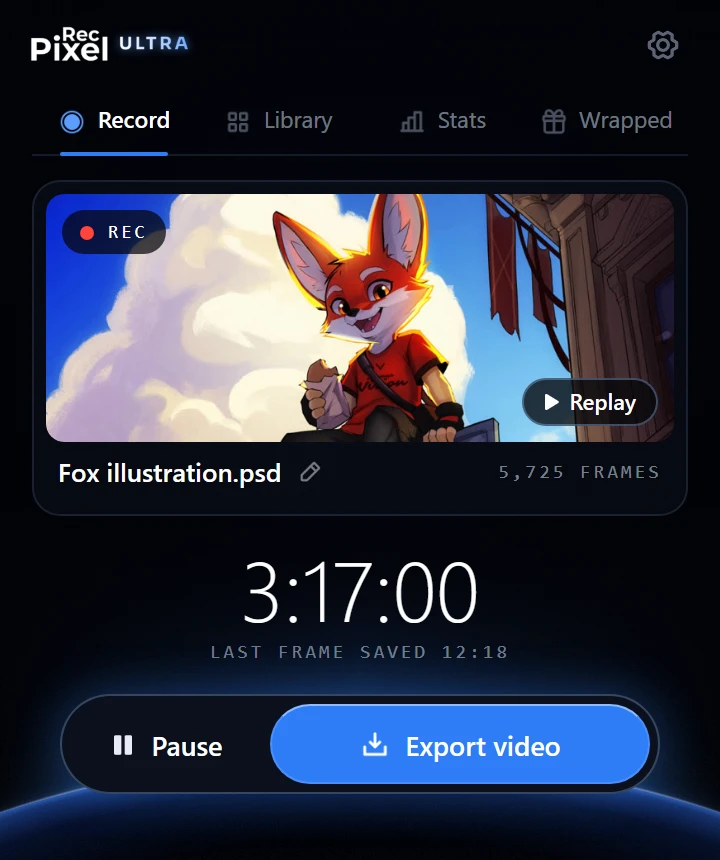
PixelRec Ultra records inside Photoshop, by itself. It saves a frame each time your canvas changes, so the video shows only your painting, every stroke, from the first line to the last color. When you are done, it makes the timelapse in the size you need: Reels, TikTok, a square post or YouTube.
5. Post the process, not only the final
Do not wait for someone to ask. Post the process with the final picture:
- A timelapse for Reels, TikTok and Shorts. 15 to 30 seconds is enough.
- A carousel of stages: sketch, flats, shading, final.
- A story with the final picture and the words "watch the process".
Add #PaintedNotPrompted to your post. It tells people right away that a human made it, and it helps other artists find your work.
6. Stay calm and reply with the video
If someone comments "this is AI", you do not need to argue. Reply with your timelapse, or a link to it. Most people only want to see. The video answers for you, and other people in the comments see it too.
Get reposted: post your process with #PaintedNotPrompted and tag @pixelrecx. Each week we pick some videos to repost. We always ask you first, and we always credit you.