Why your painting time matters
- Price your commissions. If a piece takes 6 hours, you can set a price that pays you for 6 hours, not for the 3 you guessed.
- See your progress. When the same kind of piece takes less time each month, you are getting faster.
- Build a habit. Seeing the days you painted in a row makes it easier to keep going.
- Share it. "Painted in 3h 17m" is a great first line for a post. People love to know how long art takes.
Way 1: a timer
Start a stopwatch when you sit down, and stop it when you take a break. It is free and simple. The problem: it is easy to forget. You forget to start it, or you leave it running during lunch, and the number is wrong.
Way 2: a time tracking app
General time tracking apps can count how long Photoshop is open or in front. That is better than a timer, because you cannot forget it. But open is not the same as painting. If you look at references, answer messages, or leave Photoshop open overnight, that time can count too.
Way 3: count the time from your strokes
The most honest number comes from your painting itself. PixelRec Ultra saves a frame of your canvas when you paint, and it counts time only while new frames come in. When you stop painting, the timer stops one minute after the last frame. So a coffee break is not painting time.
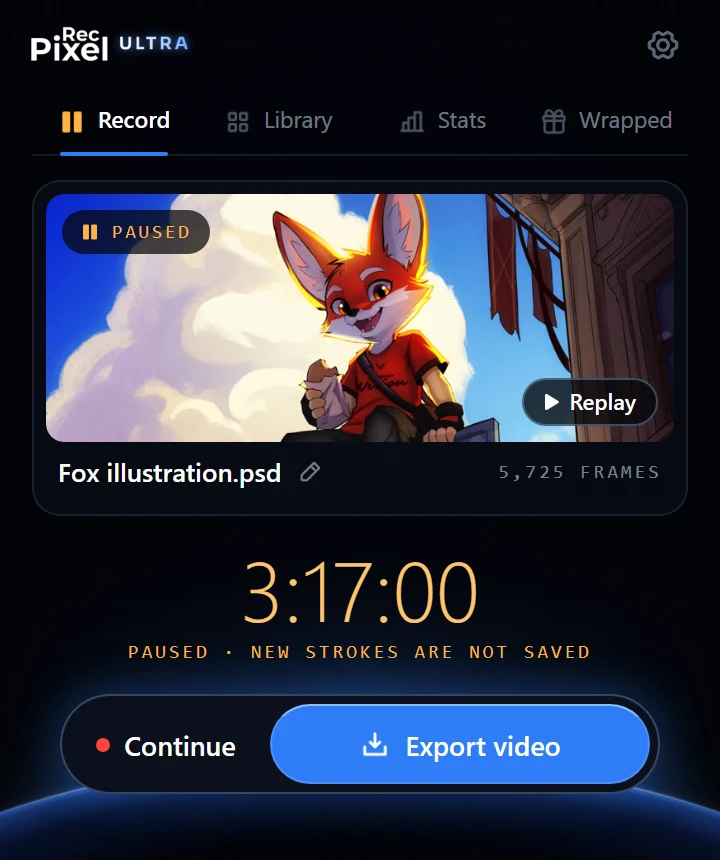
What PixelRec Ultra shows you
PixelRec Pro shows the painting time of each file. PixelRec Ultra also turns your time into stats:
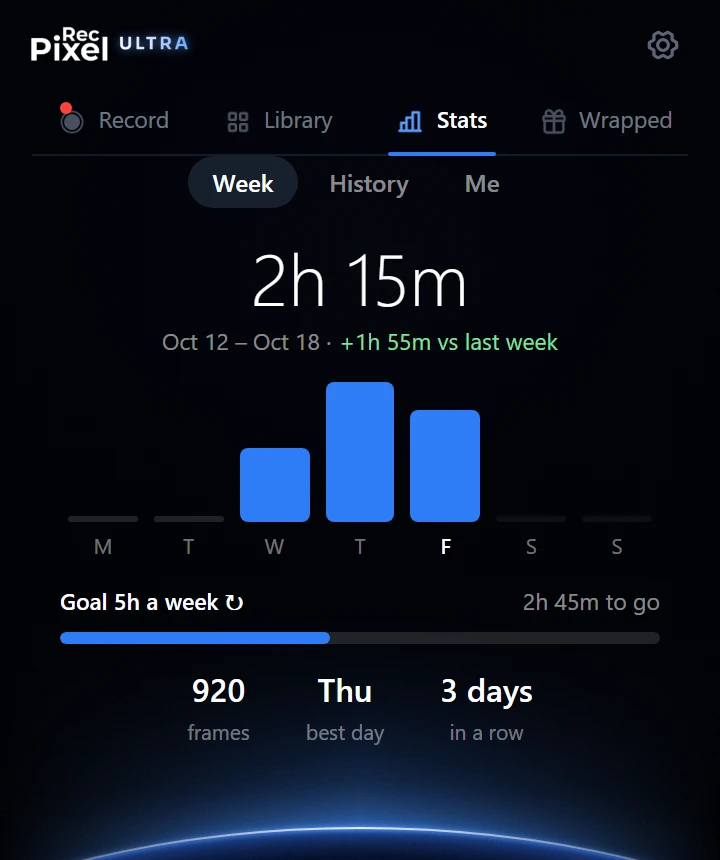
- Week: your painting time for each day, your best day, the days in a row you painted, and a weekly goal if you want one.
- History: the days you painted in the last 6 months, and the hours of the day when you paint most.
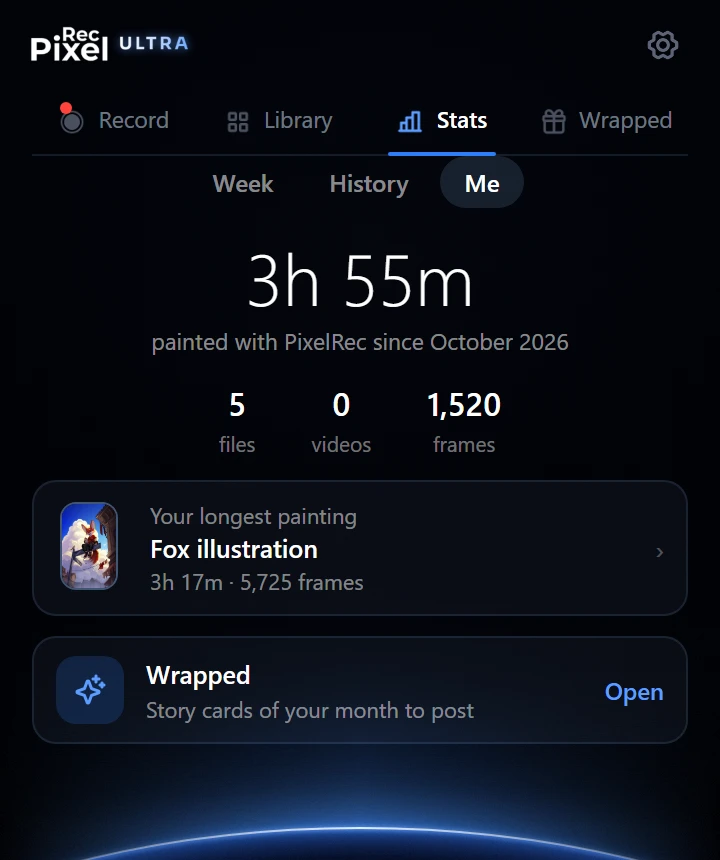
- Me: your total painting time and your longest painting.
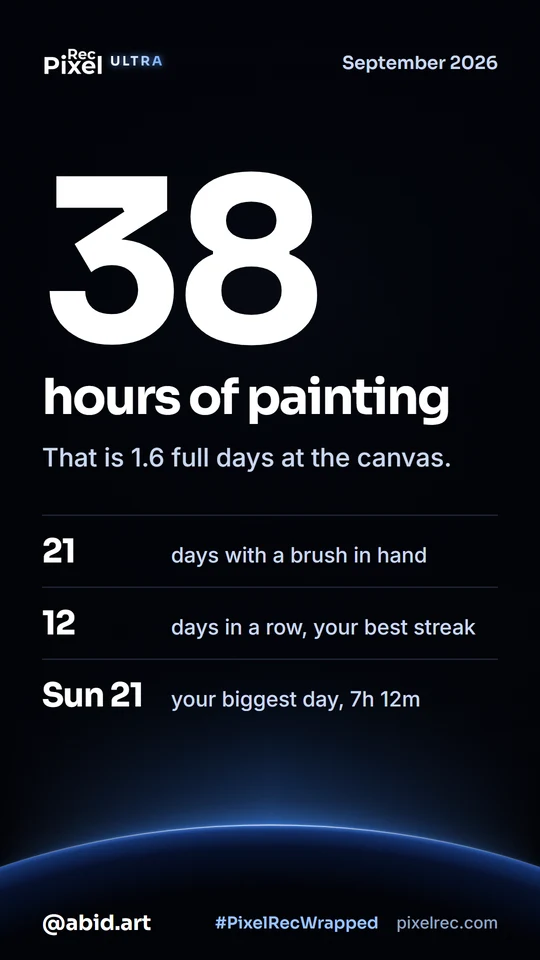
- Wrapped: at the end of each month, story cards about your month that you can post.
Use your time to price commissions
Look at the painting time of a few similar pieces. Take the average, and multiply it by the hourly rate you want. For example, if your character pieces take about 4 hours and you want $20 an hour, a fair base price is $80. Add time for sketches and changes the client asks for.
Tip: keep each commission in its own Photoshop file. Then the time of each file is the time of that piece.